
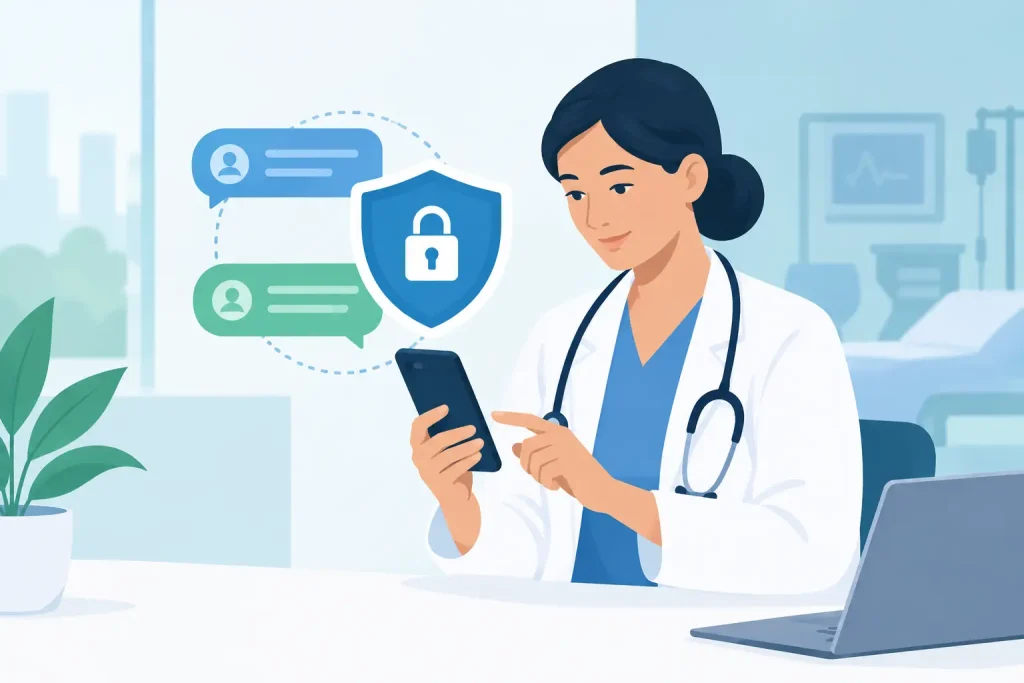
A patient texts a question about a new medication. A therapist needs to send an intake form before tomorrow’s first session. A clinic coordinator needs to confirm a follow-up appointment without leaving sensitive details on voicemail. These are routine moments, but when they happen across personal phones, email inboxes, and separate apps, they create unnecessary risk and extra work. Secure messaging for healthcare providers gives these conversations a protected, organized place to happen.
For independent practitioners and growing clinics, messaging is not just a communication feature. It is part of the patient experience, the care workflow, and the privacy standard your practice is known for. The right process helps patients get timely answers while giving your team clear boundaries, better visibility, and less administrative clutter.
Why secure messaging matters in patient care
Healthcare conversations often include protected health information, even when the message feels ordinary. A patient’s name, appointment details, treatment question, prescription update, diagnosis, or attached document can all require careful handling. Standard text messages and personal email accounts may be convenient, but convenience alone does not make them appropriate for patient communication.
A secure messaging system is designed to protect information as it moves between the patient and the practice. It typically uses encryption, authenticated access, and controlled user permissions so that only authorized people can view the conversation. Just as valuable, it keeps messages connected to the patient record instead of scattered across phones and inboxes.
That changes the daily experience for everyone involved. Patients have a clear way to contact their provider. Providers can respond from one professional workspace. Administrators can manage scheduling questions without asking clinicians to monitor multiple channels. When communication stays organized, your team spends less time searching for context and more time supporting care.
What secure messaging for healthcare providers should include
Not every encrypted chat tool is built for a healthcare practice. A useful solution needs to support the actual rhythm of care: appointment questions, paperwork, care instructions, internal coordination, and follow-up.
Protected access and clear permissions
Patients should access messages through a secure session, rather than receiving sensitive information in an unprotected text notification. On the practice side, role-based permissions matter. A front-desk team member may need to handle booking questions, while only the treating provider should access clinical details.
This is especially relevant for group practices. As your team grows, you need to know who can see, send, and manage patient messages without relying on informal rules or shared logins.
Messages connected to the patient record
A message has more value when it appears alongside appointments, forms, notes, invoices, and other relevant patient information. If a patient asks whether their intake form was received, your team should not have to search through an email thread, then open another system to verify the answer.
Keeping communication in the same workspace also creates a clearer record of what was shared and when. That supports continuity when a provider is out of the office or when several team members help coordinate care.
Practical boundaries for patients and staff
Secure messaging should make communication easier, not create an expectation of 24/7 clinical support. Set expectations early. Let patients know which messages are appropriate for the portal, when they can expect a response, and what to do in an urgent or emergency situation.
For example, a nutritionist might use messaging for meal-plan questions or document sharing, while directing urgent medical concerns to the appropriate emergency resource. A therapist may use it for scheduling and non-urgent follow-ups while maintaining clinical boundaries outside scheduled sessions. The best policy depends on your specialty, staffing model, and patient needs.
Support for privacy requirements
HIPAA requires healthcare organizations and their business associates to safeguard protected health information. Technology is one part of that responsibility, not the whole answer. Your practice also needs clear policies, appropriate access controls, staff training, and an understanding of how information is handled by every vendor you use.
For practices serving patients in different regions, privacy needs may extend beyond HIPAA. A platform that is built with HIPAA- and GDPR-ready security can give your practice a stronger operational foundation, but it does not replace your legal and compliance responsibilities. If you are unsure about a specific workflow, consult a qualified compliance or legal professional.
Where secure messaging saves time every week
The strongest messaging workflows reduce small delays that add up across a busy calendar. Consider a patient who needs to reschedule. Instead of playing phone tag, they can send a secure request. Your administrator can offer an available time, update the calendar, and send a confirmation from the same system.
Pre-visit communication is another high-value use case. Send intake forms, preparation instructions, telehealth details, or a reminder to update insurance information before the appointment. Patients arrive better prepared, and your team spends less time chasing paperwork during the visit.
After an appointment, secure messages can support continuity without adding a long administrative trail. A physiotherapist can share home exercise instructions. A counselor can send a requested resource. A clinic can notify a patient that an invoice or form is ready to review. The message remains professional, protected, and easy to find later.
Internal communication benefits too. When providers and administrators coordinate inside a shared practice platform, they can resolve practical questions quickly without exposing patient details in casual group chats. That is particularly useful across multiple locations, rotating schedules, or teams with both in-person and telehealth services.
How to introduce secure messaging without adding friction
A new communication channel only works if patients understand how to use it. Keep the rollout simple and explain the benefit in patient-friendly language: this is a private place to ask non-urgent questions, receive documents, and manage certain parts of care.
Start with a few defined workflows rather than trying to move every conversation at once. Many practices begin with appointment-related messages, intake paperwork, document sharing, and post-visit instructions. Once staff and patients are comfortable, you can decide whether additional use cases make sense.
Create a short message policy for your team. It should address response-time expectations, who handles scheduling requests, when a message needs clinical review, and how urgent concerns are escalated. Consistency matters more than complexity. A policy that every team member can follow is more useful than a lengthy document that sits unread.
Patients need guidance as well. Add a brief note to appointment confirmations and onboarding materials explaining how to access the secure portal, what messaging is for, and what it is not for. Avoid language that suggests messaging is appropriate for emergencies. Clear expectations protect patients and help providers maintain a sustainable workload.
Choosing a messaging system that fits your practice
Before adopting a tool, look at the workflow around the message, not just the message itself. Can patients book or change an appointment from the same environment? Can your team see relevant records without switching tabs? Can you control access as you add providers, administrators, or locations? Does the platform make it easy to retain a communication history?
Price matters, especially for independent providers, but disconnected low-cost tools can create hidden costs in duplicate work and missed information. A unified practice platform can be a better fit when messaging needs to work alongside scheduling, telehealth, records, forms, billing, and reminders. Clinio brings those essential workflows into one secure workspace, helping practices reduce administrative handoffs while keeping the patient experience simple.
It is also worth considering what happens when your practice changes. A solo provider may need straightforward patient communication today, then add an administrator or another clinician next year. Choose a system that can support that growth without forcing you to rebuild your workflow from scratch.
Better communication starts with a clearer workflow
Secure messaging is most effective when it feels like a natural part of how your practice delivers care. It should protect private information, give patients a dependable point of contact, and make daily coordination easier for your team.
Start with the conversations that currently create the most back-and-forth: scheduling, forms, follow-up instructions, and routine questions. When those interactions move into a secure, organized workflow, you create more space for the work that matters most – attentive, patient-centered care.