
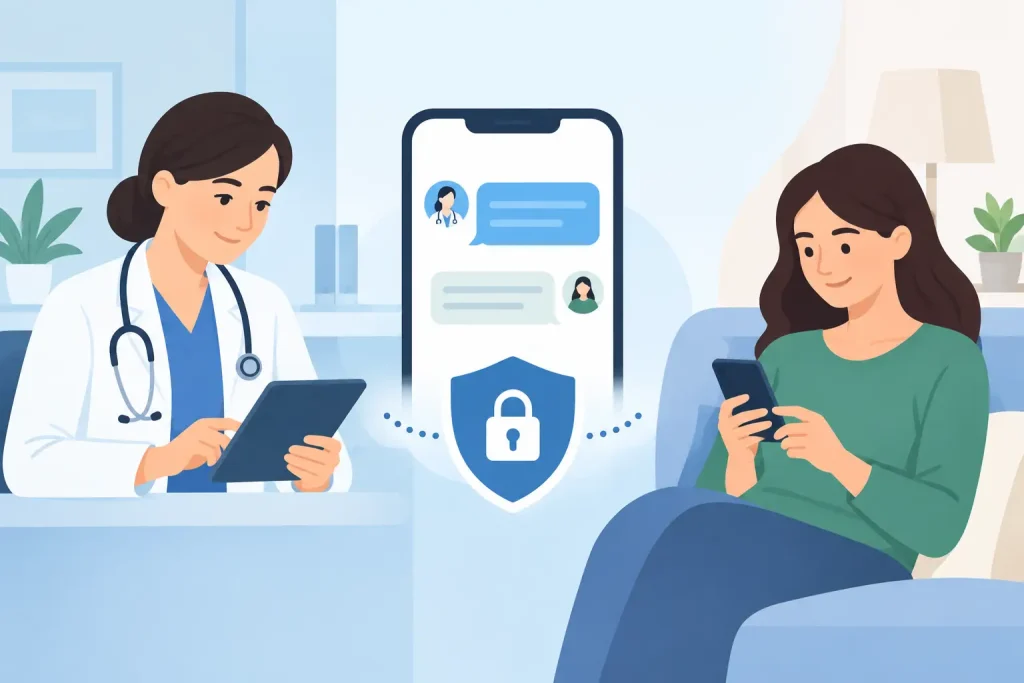
A patient sends a question about a new symptom at 9:30 p.m. Your front desk finds it the next morning, but the message is buried between voicemail notes, personal texts, and an email thread. That is exactly where secure patient messaging for clinics makes a practical difference. It gives patients a clear way to reach your practice while giving your team one protected, organized place to respond.
For independent providers and growing clinics, messaging is not just a convenience feature. It affects patient trust, follow-through, staff workload, and how confidently your practice handles sensitive health information. The goal is not to invite constant access to providers. It is to create a reliable communication process that supports care without creating more administrative work.
Why regular messaging creates risk and extra work
Text messages and standard email feel fast because patients already use them. But convenience can hide the operational cost. A patient may send clinical details through an unsecured channel, a staff member may reply from a personal phone, or a message may never make it into the patient record.
That creates more than a privacy concern. It also makes it harder for the care team to see the full context of a conversation. When a provider is out of the office, another team member may not know whether the patient received instructions, submitted a form, or needs urgent follow-up.
Phone calls have their own limits. Patients cannot always call during business hours, and staff can spend much of the day returning voicemails, confirming details, and trying to reach people who are unavailable. The result is phone tag that delays simple questions and pulls attention away from patients in the office.
A secure messaging workflow gives each conversation a home. It can connect messages to the patient profile, preserve a clear history, and help the right person respond without relying on scattered tools.
What secure patient messaging for clinics should do
Secure messaging should feel easy for patients and useful for staff. If it requires confusing logins, complicated instructions, or repeated manual steps, adoption can suffer. At the same time, a convenient experience cannot come at the expense of privacy and accountability.
Look for a system that protects information through encrypted communications and secure patient sessions. For US practices, the platform should be designed to support HIPAA-ready workflows. If your clinic works with patients outside the US or handles international data, GDPR readiness may also matter.
Security is not only about the software. Your practice still needs clear processes for who can access messages, when messages are reviewed, and what should never be handled through routine messaging. A secure tool supports good habits. It does not replace them.
The most useful messaging tools also keep patient communication connected to daily operations. That means the message thread is available alongside appointments, intake information, telehealth visits, clinical notes, and billing activity when appropriate. Your team does not have to search across separate systems to understand what happened.
The practical features that save time
For a small practice, a simple shared inbox may be enough. For a multi-provider clinic, you may need message routing, team visibility, role-based access, and a way to assign follow-up without duplicating work.
The strongest setup usually includes a few essentials: secure patient access, notifications for new messages, a complete conversation history, and permissions that limit access based on each team member’s role. It should also support attachments when patients need to share documents, photos, or completed forms.
Templates can save hours every week for repeat questions, such as appointment preparation, telehealth instructions, refill requests, payment reminders, or post-visit guidance. Use them carefully. A template should speed up routine communication, not make patients feel like they are receiving a generic response.
Set boundaries before you turn messaging on
Patients appreciate a way to contact their provider, but they also need to understand what messaging is for. Without expectations, a helpful channel can become an after-hours triage line that your staff is not equipped to manage.
Set clear response-time guidance from the start. For example, your practice may review messages during business hours and respond within one or two business days. The right timeframe depends on your specialty, staffing model, and patient needs. A therapist, physical therapist, and psychiatric practice may each need different communication policies.
Your welcome message or patient portal instructions should explain that messaging is not for emergencies. Include direct guidance to call 911 or seek emergency care when needed. This language protects patients by giving them a clear next step rather than leaving them to guess whether a message will be seen quickly.
It also helps to define which requests belong in messaging. Administrative questions, scheduling updates, non-urgent follow-up, documents, and routine care instructions are often a good fit. Complex clinical questions may require an appointment, while medication changes or urgent symptoms may require a phone call and clinical assessment.
Build a workflow your team can actually follow
The best messaging policy is simple enough to use on a busy Tuesday. Start by deciding who monitors incoming messages and what happens when that person is unavailable. In a solo practice, you may review messages at set times each day. In a group practice, an administrator can handle scheduling and billing questions while routing clinical messages to the correct provider.
Create a small number of message categories, such as scheduling, billing, forms, clinical follow-up, and provider review. Categories make it easier to prioritize requests and avoid sending every message to every person. They also help practice owners identify recurring issues that could be solved with better reminders, clearer forms, or patient education.
Documenting decisions matters. If a patient message leads to clinical advice, a change in care instructions, or a referral, your team should have a consistent approach for recording that information in the patient record. The details depend on your professional and organizational requirements, but the principle is simple: important care communication should not live only in an inbox.
Make escalation rules equally clear. Staff should know when they can respond using approved templates, when to assign a message to a provider, and when to contact the patient by phone. Clear rules reduce hesitation for staff and make response quality more consistent for patients.
Connect messaging to the rest of the patient journey
Messaging delivers the most value when it supports the moments around care, not when it becomes another disconnected channel. A patient books online, receives an automated reminder, completes intake forms, attends a telehealth session, and can securely receive follow-up instructions in the same connected workflow.
That continuity makes the experience easier for patients. They do not need to remember which app was used for a video visit, where a form was sent, or which email address to contact for a receipt. For the practice, it reduces duplicate data entry and the risk that a staff member is working from outdated information.
Clinio brings messaging together with scheduling, patient records, telehealth, forms, invoicing, and team coordination in one workspace. For clinics that have outgrown a patchwork of calendars, texting tools, and email inboxes, one connected system can make everyday communication easier to manage.
There is a trade-off to consider: not every message needs a detailed back-and-forth. If secure messaging becomes a substitute for appointments, it can create unpaid clinical work and unclear boundaries. Use it to remove friction around care, not to expand your day indefinitely.
Measure whether messaging is helping
You do not need a complicated dashboard to see whether your process is working. Start with a few practical questions. Are fewer patients calling repeatedly for updates? Are staff spending less time searching for information? Are messages being answered within your stated timeframe? Are providers receiving only the requests that require their attention?
Patient feedback is useful here, too. If patients say they are unsure how to ask a question or do not know when to expect a reply, the issue may be your onboarding language rather than the tool itself. A short, clear message at enrollment can prevent many avoidable calls later.
Review your workflow after the first few weeks and adjust it. You may find that certain messages should be automated, that a template needs a warmer tone, or that one category needs faster routing. Small changes can protect staff time while making patients feel more supported.
A secure message is not simply a digital replacement for a phone call. Used with clear boundaries and a connected workflow, it becomes a quieter, more reliable part of care delivery – one that helps patients feel heard and gives your team more time for the work only they can do.